

Office space management software helps organizations understand how offices, meeting rooms and other workplace areas are actually used.
ROOMZ combines office space management software with wireless occupancy sensors and booking data. This provides visibility into both planned bookings and actual occupancy.
These insights make available desks easier to find, help reduce no-shows and enable organizations to optimize office space based on real usage.
Discover ROOMZ Space Analytics⟶

ROOMZ combines booking data and actual occupancy to show how office space is really used. |
What does office space management software do?
Office space management software collects, visualizes and analyzes data on how office space is used. Depending on the system, this data may come from bookings, check-ins, Wi-Fi or device signals, or occupancy sensors.
To make informed decisions about office space, it is important to understand where the data comes from. A booking shows planned usage. A check-in confirms an action taken by the user. An occupancy sensor measures whether a space is physically occupied.
ROOMZ Space Analytics combines booking data with sensor data. This makes it possible to analyze the use of desks, meeting rooms and collaborative spaces by building, floor, zone or custom tag.
Underused areas become easier to identify. Peak occupancy periods and differences between planned and actual usage also provide a reliable basis for optimizing office space.
This distinction is particularly important in the context of hybrid work. Fraunhofer IAO highlights how flexible and location-independent working arrangements are changing the way office space is used. Organizations need to rethink workplace design to make offices more efficient and future-ready.
External source: Fraunhofer IAO, The Office of the Future
Booking data does not reflect actual occupancy
A fully booked calendar does not necessarily mean a busy office. A desk may be reserved but never used. A meeting room may be booked for an hour, even though the meeting only lasts 25 minutes. Conversely, hot desks or phone booths may be used spontaneously, without any prior booking.
For Workplace and Facility Management teams, it is therefore essential to distinguish between three types of data.
| Data type | What it shows | Main limitations |
|---|---|---|
| Booking data | What has been planned and reserved | Does not reliably confirm whether the desk or room was actually used |
| Check-in data | Whether a user has actively confirmed their use of a space | Depends on user behavior and consistent check-in practices |
| Occupancy data | Whether a desk or room is physically occupied | Requires suitable sensors and accurate mapping to each space |
ROOMZ brings booking and occupancy data together in a single analysis. This makes the gap between what is “booked” and what is actually “used” measurable.
This distinction is particularly valuable when planning office space, managing meeting rooms and optimizing shared desk areas.
Occupancy sensors: making desk usage measurable
An occupancy sensor detects whether someone is present within a defined workspace. For individual desks, the terms desk sensor and workspace occupancy sensor are also used. For meeting rooms, the usual term is room occupancy sensor.
ROOMZ sensors primarily use passive infrared (PIR) technology. They detect temperature changes caused by human presence without identifying individuals. No images or videos are recorded, keeping the data anonymous by design.
The sensors are battery-powered, completely wireless and connect through the existing Wi-Fi network. According to current product specifications, their typical battery life is four to five years.
This makes deployment across multiple floors or buildings easier. No PoE cabling or building modifications are required to install the sensors.

ROOMZ occupancy sensors detect presence anonymously, without cameras or cabling. |
Discover ROOMZ occupancy sensors⟶
Desk Sensor, Room Sensor and Huddle Sensor: what is the difference?
Not all workspaces are used in the same way. An individual desk requires a different type of occupancy measurement from a meeting room or phone booth.
ROOMZ therefore offers different sensor types, all integrated into the same office space management ecosystem.
| Sensor type | Application | Benefits |
|---|---|---|
| ROOMZ Desk Sensor | Shared desks, hot desks and individual workstations | Real-time occupancy monitoring and historical analysis of desk usage |
| ROOMZ Sensor | Meeting rooms and conference rooms | Actual room occupancy monitoring, no-show detection and automatic room release |
| ROOMZ Huddle Sensor | Phone booths, two-person workspaces and small collaborative areas | Visibility into spontaneous occupancy and easier identification of available small spaces |
Office space optimization: turning sensor data into decisions
Office space optimization does not start with removing desks. It starts with building a reliable picture of how spaces are actually used. The key questions are simple: which spaces are being used, how often and for how long?
ROOMZ Space Analytics uses real-time and historical occupancy data to answer these questions. Dashboards can be filtered by building, floor or area.
Custom tags also allow organizations to refine their analysis by room type, zone, equipment or other company-specific criteria. The current solution is based on Microsoft Power BI.
Some of the most relevant metrics include:
- occupancy rates by day, floor or zone,
- peak occupancy and maximum attendance,
- differences between bookings and actual occupancy,
- meeting room no-show frequency,
- average usage duration of rooms and workstations,
- identification of consistently underused areas,
- demand for different types of rooms and workspaces.
This data does not automatically determine which areas should be reduced or redesigned. However, it provides a reliable basis for testing assumptions.
Improving meeting room utilization with real occupancy data
In meeting rooms, the gap between bookings and actual usage is particularly noticeable. Calendars may show bookings throughout the day, even though some meetings are cancelled or finish early.
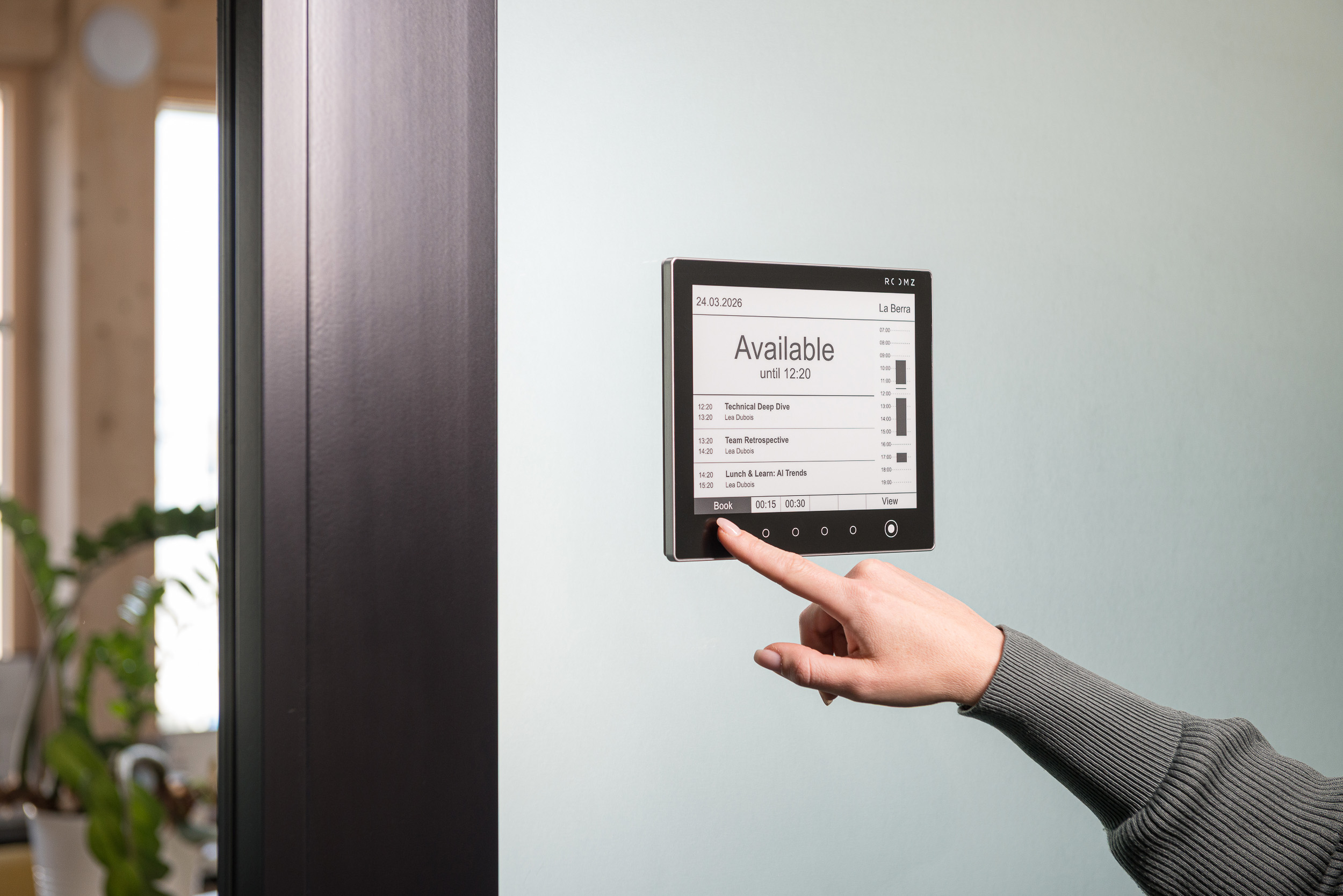
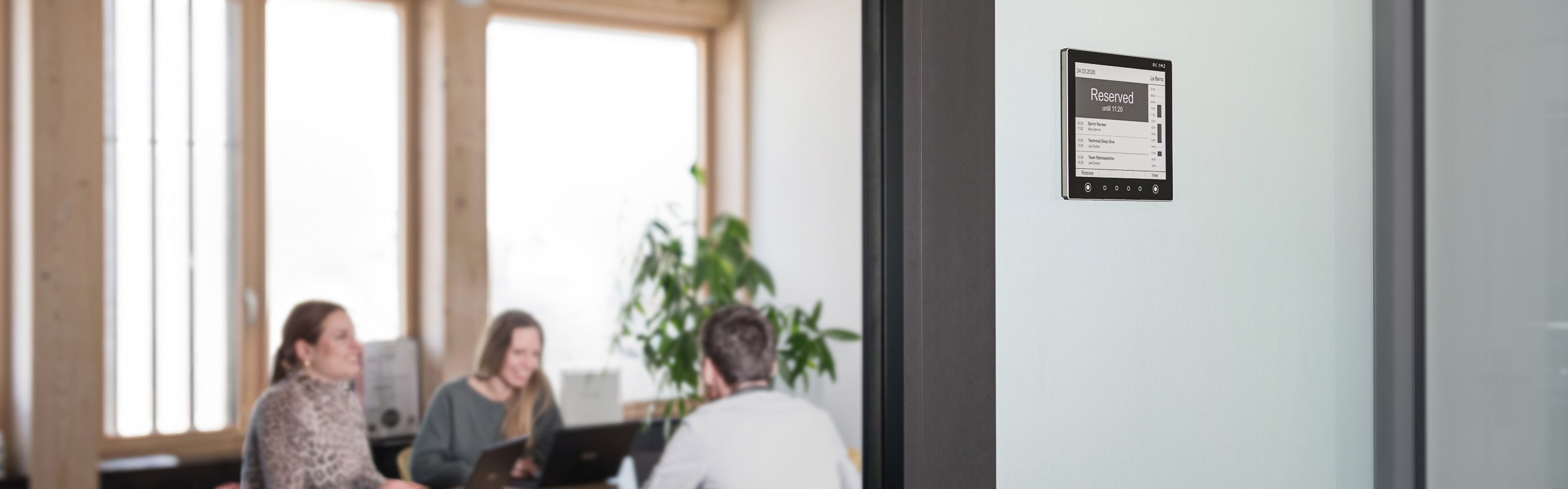
The ROOMZ Sensor detects whether a booked room is actually occupied. If nobody shows up, the room can be automatically released and made available to other employees. Space Analytics then shows how often no-shows occur and which rooms are most affected.
Discover the ROOMZ solution for meeting rooms⟶
Space management software for hot desking and shared workspaces
In hot-desking environments, an overview of bookings alone is often not enough. Bookable desks and unreserved workstations (hot desks) may coexist. ROOMZ combines desk booking through myROOMZ with real-time occupancy monitoring using Desk Sensors, bringing both capabilities together within its office space management software.
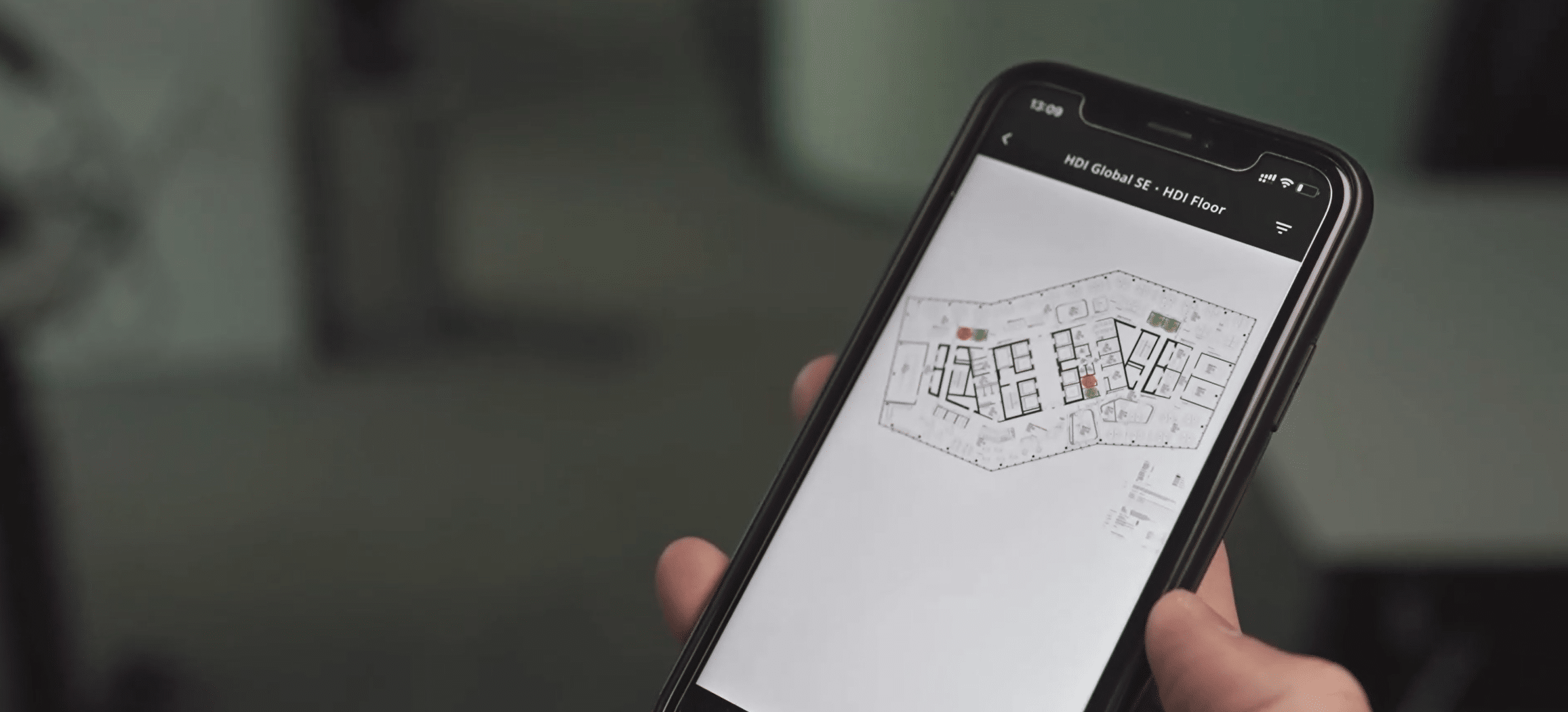
Employees can locate available desks using interactive floor plans. For unreserved desks, sensors show actual occupancy directly, without requiring each workstation to be booked in advance.
Meanwhile, workplace managers can access historical data on how workspaces are actually used. This helps them make more informed decisions about desk allocation and office space utilization.

With myROOMZ, employees find and book available desks on interactive floor plans. |
Discover the ROOMZ solution for shared desks⟶
Data protection and occupancy sensors for workspaces
Data protection is an essential consideration when choosing office space management software that measures workspace occupancy. The key distinction is whether the technology simply detects presence or identifies individuals.
ROOMZ sensors use PIR technology to measure occupancy anonymously. They do not take photos or videos and do not require personal identification.
Which workplace management software should you choose?
Several approaches are available on the market. Not every organization needs the same level of occupancy measurement accuracy.
The right choice should primarily depend on the decisions the organization wants to make based on the data collected.
| Approach | Best suited to… | Points to consider |
|---|---|---|
| Booking-based space management software | Organizations whose main needs are desk bookings, team attendance and capacity planning | Shows planned usage, but not necessarily actual occupancy |
| Presence data based on check-ins or IT infrastructure | Organizations looking to avoid installing additional sensors | Data depends on user actions or the existing technical infrastructure |
| Optical or AI-based sensors | Situations requiring accurate measurement of people counts, occupied zones and movement | Data protection, installation location and technical complexity need careful consideration |
| ROOMZ PIR sensors and Space Analytics | Organizations looking to measure desk and room occupancy directly and anonymously, without cabling | Detects presence and occupancy without identifying individuals |
ROOMZ is particularly well suited to organizations that want to measure actual occupancy independently of manual check-ins. The technology is also easy to deploy at scale across desks, meeting rooms and small collaborative spaces.
By combining wireless sensors, booking data, myROOMZ and Space Analytics, ROOMZ brings these capabilities together within a single ecosystem.
Concrete results: ROOMZ occupancy data at scale
A reliable approach to office space management must also scale across large environments.
At Lonza, ROOMZ currently equips 260 rooms, with 3,000 sensors installed. The solution has expanded beyond meeting rooms to include workstations, addressing different workplace management needs within a single system.
BOBST also uses ROOMZ Displays, meeting room sensors and Desk Sensors as part of a new workplace concept. According to the published case study, space utilization data helps inform decisions about office layouts and the balance between collaborative spaces and individual workstations.
Discover ROOMZ customer references⟶
How to implement data-driven workstation management
A successful rollout starts with a clear framework for measurement and decision-making. The goal is not to collect as much data as possible. It is to select the data that will help address specific workplace planning challenges.
1. Define your objectives
Reduce no-shows, understand shared workstation occupancy rates, or right-size office space.
2. Segment your spaces
Analyze workstations, meeting rooms, phone booths and collaborative areas separately.
3. Choose the right data sources
Use booking data, occupancy sensor data, or a combination of both.
4. Launch a pilot project
Start by measuring a representative area or floor before considering a large-scale rollout.
5. Compare key metrics
Track peak occupancy, average usage duration, no-shows, and discrepancies between bookings and actual occupancy.
6. Test adjustments
Modify space types, workstation sharing policies or space allocation, then measure the results again.
Why choose ROOMZ to measure workstation occupancy and optimize office space?
ROOMZ combines the day-to-day management of workspaces with strategic analysis of how they are used.
Employees can see which workstations and meeting rooms are available. Workplace teams can access real-time occupancy data. Facility Management and Real Estate leaders can analyze long-term usage trends. Key benefits of ROOMZ:
- wireless occupancy sensors for meeting rooms, workstations and huddle spaces,
- anonymous PIR-based detection, with no images or personal identification,
- typical sensor battery life of four to five years,
- analysis of sensor data, booking data, or both,
- filters by building, floor, zone and custom tags,
- integration with existing booking processes and tools,
- information security practices certified to ISO 27001,
- proven scalability across large organizations.
ROOMZ is therefore much more than a simple occupancy sensor. It is a complete office space management software ecosystem that combines booking tools, wireless occupancy sensors and Space Analytics to measure actual workstation occupancy, improve meeting room utilization and optimize office space through data.
Explore ROOMZ Space Analytics⟶
Author & expert review

Nadia Obeida
Marketing Manager at ROOMZ
Author
Nadia translated the questions of IT, facility and workplace teams into a practical guide to office space management software and occupancy data, and defined the SEO and GEO structure of this article.

Roger Meier
Founder and CEO of ROOMZ
Co-author & expert review
Roger brings the product and field perspective from large-scale ROOMZ sensor deployments. He reviewed this article with a focus on sensor technology, data quality, data protection and scalability.