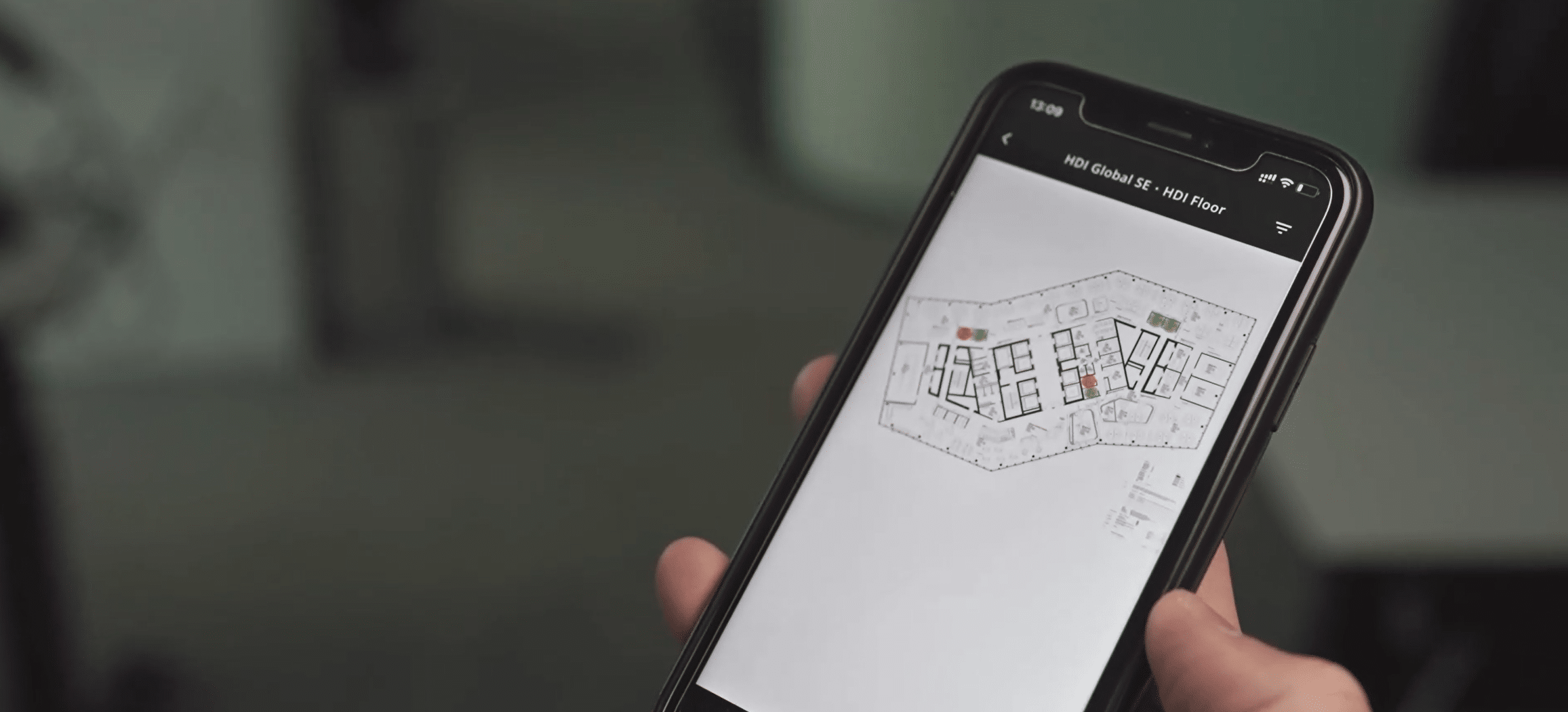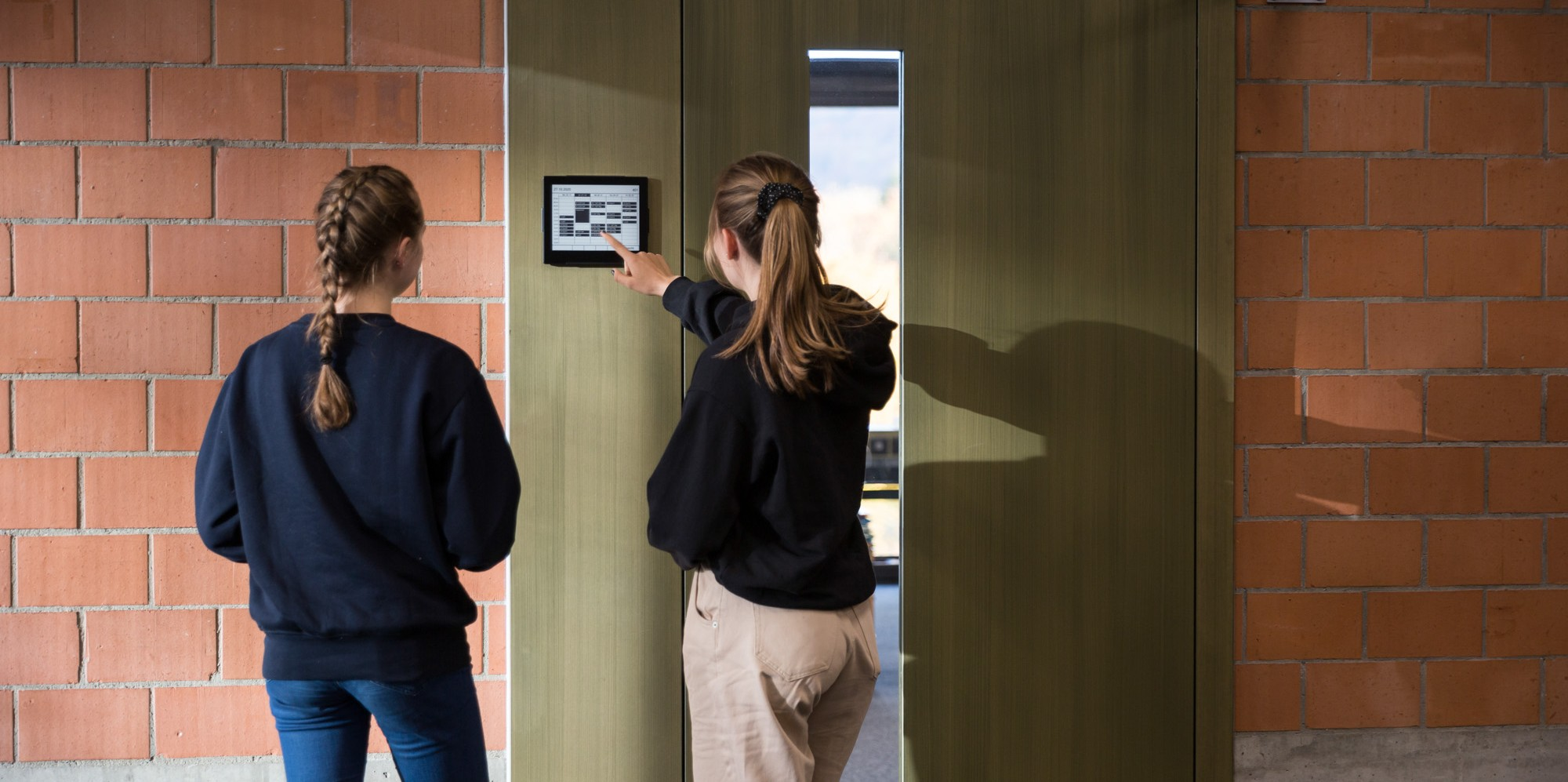


A meeting room booking system makes available rooms visible. It simplifies reservations and helps organizations make better use of their existing space. With ROOMZ, employees book meeting rooms from their usual tools or directly at the room.
Wireless displays show availability where it is needed. Optional occupancy sensors detect whether a booked room is actually being used. ROOMZ Space Analytics combines booking and occupancy data into a reliable foundation for workplace management.
Discover the ROOMZ meeting room booking system⟶
What is a meeting room booking system?
A meeting room booking system is a digital solution for reserving and managing shared spaces. It shows which meeting and conference rooms are available or occupied, accepts bookings and syncs them with each room’s calendar. Modern systems extend this core function with door displays, ad hoc booking, no-show management, occupancy sensors and analytics.
Room booking system, room booking software and conference room booking software all describe the same core need. Employees should find the right room quickly, book it reliably and use it spontaneously when needed. Workplace and facility teams have a second goal: understanding how rooms are actually used.
Microsoft 365 can already manage rooms as dedicated resources with their own calendars. Employees can book them directly from Outlook or Teams, for example. A specialized system builds on this existing booking logic. It adds visibility at the room, spontaneous booking, automatic release and usage data.
External source: Microsoft Learn, room and desk booking
How does a digital meeting room booking system work?
A digital meeting room booking system connects three layers: the calendar, room availability visible on site and, depending on the solution, actual occupancy. The result is a consistent booking process, from the scheduled meeting to real room usage.
1. Book a room from the calendar, an app or a display
Rooms can be booked in the existing calendar, through a meeting room booking app or directly on the display outside the room. ROOMZ syncs with Microsoft 365, Microsoft Teams, Google Workspace, Exchange and more than 20 other booking systems. Employees do not need to change the way they work.
2. See availability directly at the room
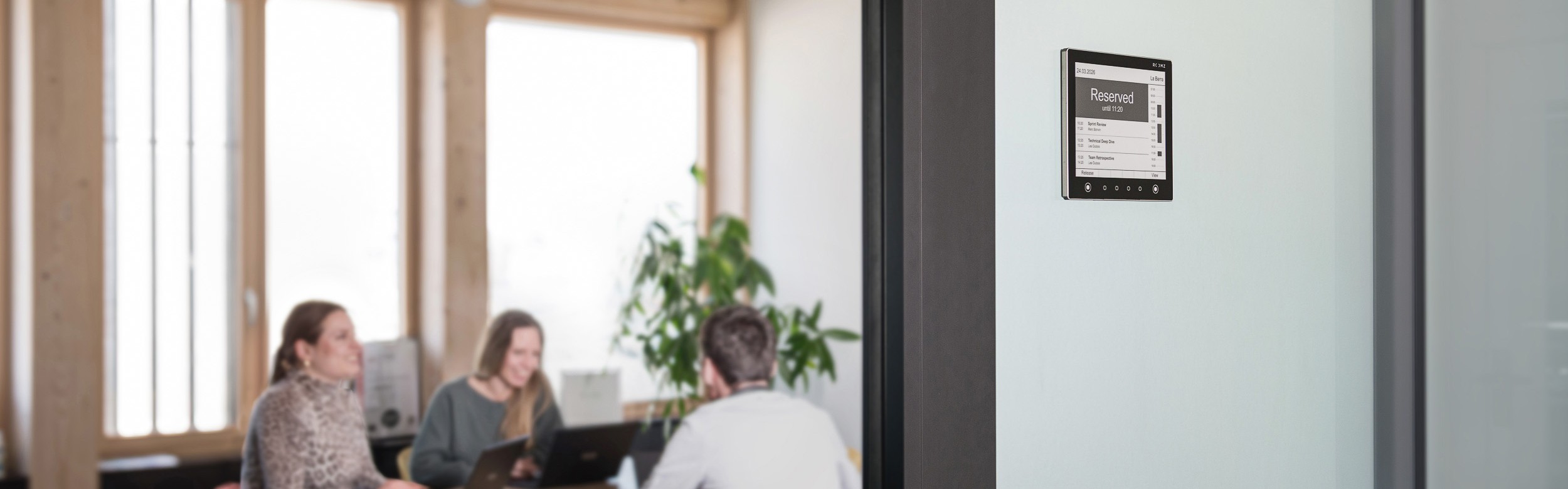
A meeting room display shows at a glance whether a room is available, occupied or about to become free. This reduces unnecessary walking and enables ad hoc bookings. The ROOMZ Display uses e-ink© technology. It is fully wireless and can also be mounted on glass.

The ROOMZ Display shows room availability and upcoming meetings at a glance. |
3. Detect actual occupancy automatically
A booking only shows that a room has been reserved. It does not prove that the meeting is actually taking place. The optional ROOMZ Sensor detects physical occupancy anonymously. If nobody shows up, the room can be released automatically. A blocked calendar slot becomes available capacity again.
View the ROOMZ occupancy sensor⟶

The ROOMZ Sensor detects actual room occupancy anonymously, using passive infrared technology. |
Why calendar booking alone is often not enough
Outlook, Teams and Google Calendar can manage rooms reliably as resources. For many companies, this is a solid starting point. In everyday office life, however, further questions arise. Is the room really free on site? Can I book it spontaneously? Is a booking canceled automatically when nobody shows up? Which rooms are consistently overbooked or underused?
This is where a specialized meeting room booking system extends the calendar. It brings booking information into the physical room and can connect planned usage with actual usage.
| Calendar only | Room booking software | ROOMZ ecosystem | |
|---|---|---|---|
| Booking | Yes | Yes | Yes, through existing tools |
| Visibility on site | Limited | Depends on the available display or kiosk | Wireless room display |
| Actual occupancy | No | Usually check-in based | Optional, via sensors |
| Installation | None | Often requires power or network cabling | Wireless, no construction work |
What features should a modern meeting room booking system offer?
The right solution depends on building size, IT environment and working model. For a well-founded decision, do not compare booking interfaces alone. Evaluate the full life cycle of a room reservation.
| Criterion | Why it matters |
|---|---|
| Real-time availability | Available and occupied rooms must be displayed consistently in calendars and on site. |
| Ad hoc booking | Available rooms should be bookable on the spot, directly at the entrance. |
| Calendar integration | Microsoft 365, Teams, Outlook, Google Workspace or Exchange should be integrated without breaking the workflow. |
| No-show management | Unused bookings should be detected automatically, so the room is released without manual intervention. |
| Room displays | A visible status outside the door reduces search time and booking conflicts. |
| Analytics | Booking data alone is rarely enough for space decisions. Actual usage data adds valuable insight. |
| Scalability | The solution should be easy to deploy across multiple floors, buildings and locations. |
| Security | Authentication, encrypted communication and documented information security processes are essential in enterprise environments. |
ROOMZ: a meeting room booking system with no cabling
Many automated conference room booking systems require permanently powered tablets, network cables or PoE infrastructure. ROOMZ takes a different approach. The ROOMZ Display is battery powered and connects to the existing Wi-Fi network. It can be installed on doors, walls or glass surfaces without any construction work.
According to current product specifications, the display offers up to four years of battery life under typical use. It is designed to last more than ten years. The display does not run a conventional operating system and does not store any customer data locally. This also reduces ongoing maintenance and patching effort.
For companies with many rooms, this difference can matter. Total cost of ownership is not determined by the software license alone. It also includes installation, power supply, cabling, device management, replacement cycles and maintenance.

The ROOMZ Display can be mounted on doors, walls or glass partitions without any cabling. |
Automatically reduce no-shows and ghost meetings
Ghost meetings are a common issue in conference room booking. The room stays blocked in the calendar even though the meeting was canceled or nobody shows up. Manual check-ins can partly solve this problem. However, they rely on employees actively confirming their presence.
ROOMZ can detect actual occupancy with a dedicated sensor. If a booked room is not occupied, the booking can be released automatically. Detection is anonymous. The sensor uses passive infrared technology and requires no camera or personal identification.
This is particularly relevant for organizations that want to do more than enforce booking discipline, and aim to measure real room usage objectively.
Integrate your meeting room booking system with Microsoft 365, Teams and Google
A good meeting room booking system should adapt to the way people already work. Employees should not have to open a new application for every room reservation. ROOMZ syncs with existing calendar and collaboration systems. Bookings made in Microsoft 365, Teams, Google Workspace or Exchange appear on the display. Conversely, available rooms can be booked directly on the display.
This makes ROOMZ a strong fit for companies that have already set up their room resources in Exchange or Microsoft Places. The existing calendar system remains the booking foundation. ROOMZ adds the physical interface and, optionally, occupancy detection.
Technical background: Microsoft Learn, resource mailboxes in Exchange Online
Analyze bookings and actual space usage
For day-to-day booking management, knowing whether a room is “available or occupied” is enough. However, strategic decisions about space optimization require more information. A fully booked room calendar can suggest high demand, even though some bookings are never honored. Conversely, rooms used spontaneously may be missing from calendar data entirely.
ROOMZ Space Analytics therefore combines booking and occupancy data. Reports can be filtered by building, floor, zone or custom tags. This helps you identify underused rooms, peak times, no-shows and gaps between booked and actual usage time.
Discover ROOMZ Space Analytics⟶
Security and data protection in meeting room booking
Room booking systems are part of the corporate IT environment and should be assessed accordingly. Key aspects include encrypted communication, authentication, device management, data storage and the handling of occupancy data.
ROOMZ is ISO 27001 certified. Room occupancy is recorded anonymously. ROOMZ sensors do not require images, video or personal data to detect occupancy. The display does not run a conventional operating system and does not store any customer data locally.
ISO/IEC 27001 defines the requirements for an information security management system. It provides a structured framework for managing information security risks.
External source: ISO, ISO/IEC 27001:2022
Who is the ROOMZ meeting room booking system for?
ROOMZ is particularly well suited to organizations that want to manage their meeting and conference rooms reliably without building a complex cabling or tablet infrastructure. The approach is especially relevant for rollouts across multiple sites or many rooms, when actual occupancy data should later feed into space planning.
- Companies using Microsoft 365, Teams, Exchange or Google Workspace
- Organizations with many meeting and conference rooms
- Buildings where new power or network cabling is undesirable or difficult
- Workplace and facility teams that want to measure no-shows and actual occupancy
- Companies that want to analyze booking and sensor data together
- Schools, universities and campuses with many flexible spaces or historic buildings
In practice: scaling from a few rooms to an entire campus
Existing ROOMZ projects demonstrate the scalability of the solution. At ETH Zurich, 800 ROOMZ Displays are currently in use. The solution was introduced there in 2016 and connects to several different booking tools. ETH uses the displays to show the availability of meeting rooms, lecture halls and seminar rooms, among other spaces.
At Lonza, ROOMZ equips 260 meeting rooms, with 3,000 sensors installed. Beyond meeting room management, Lonza uses the complete ROOMZ ecosystem. The company also optimizes its shared workstations with the myROOMZ app. This example shows that ROOMZ can serve not only as a meeting room booking system, but also as a scalable workplace ecosystem.
Read the ETH Zurich case study⟶ROOMZ references and downloads⟶
Which meeting room booking system is right for your company?
The best solution is not necessarily the one with the most features. What matters is whether it fits your existing IT, your number of rooms and the data model you need. A simple meeting room booking app may be enough if you only need digital reservations. Once visibility on site, automatic no-show release or reliable occupancy data become important, hardware and occupancy detection should be part of the evaluation.
- Identify the calendar and collaboration systems already in use.
- Define whether rooms should be booked only in advance or also spontaneously at the door.
- Decide whether a manual check-in is enough or whether actual occupancy should be detected automatically.
- Factor in the installation and maintenance effort of the displays, not just software costs.
- Clarify data protection, information security and the analytics KPIs you need.
- Test the solution in real rooms with typical booking scenarios before a large-scale rollout.
Explore the ROOMZ meeting room solution⟶
Author & expert review

Nadia Obeida
Marketing Manager at ROOMZ
Author
Nadia translated the requirements of IT, facility and workplace teams into a practical guide for choosing a meeting room booking system and defined the SEO and GEO structure of this article.

Roger Meier
Founder and CEO of ROOMZ
Co-author & expert review
Roger brings the product and field perspective from ROOMZ workplace projects. He reviewed this article with a focus on technology, integration, scalability and practical relevance.